
Period-end review process
Purpose, roles, glossary, file structure, and the general review methodology for the Rackson balance sheet and P&L review.
This is the detailed process reference for reviewing the monthly and quarterly close for both Rackson concepts. It is written as a training and standing-reference document — detailed enough to let a new reviewer work through a full balance sheet and P&L review independently, understand why each check exists, and know who to contact when something doesn't tie.
Source: Rackson_RRS_RCY_Review_Process.docx, compiled from two recorded walkthroughs — a 2h00m session between Jonah Dellasega and John (July 8, 2026) and a 1h52m session between Jonah, Jeff Timmermeyer, and John ("Part 2," July 16, 2026), plus a frame-by-frame review of the screen-shares.
The source recordings were imperfectly auto-transcribed. Names, dollar figures, cell and tab references, and thresholds reflect what was discussed. Confirm all specific figures against the live workpapers before treating any number here as current policy. Dollar figures shown in screenshots are real balances from a specific past period and will not match the period you are reviewing.
Scope
- RRS — Rackson Restaurants (Burger King), approximately 95 locations.
- RCY — Rackson Cayenne (Dave's Hot Chicken), reviewed on the same file structure, the same reconciliation logic, and the same cadence.
The two concepts use parallel workbooks and an almost identical review sequence. Treat the process described for one concept as applying equally to the other unless a page notes otherwise. The places where RCY genuinely differs — inventory count treatment, royalty/advertising percentages, and sales tax nuances — are called out on the relevant topic pages.
This review sits within PBI's broader engagement, which also includes AP processing, payroll processing, and support tied to other PBI tooling. Those workstreams are out of scope for this section.
General review methodology
Before opening any individual schedule. Keep it open side-by-side with the balance sheet workbook throughout the review.
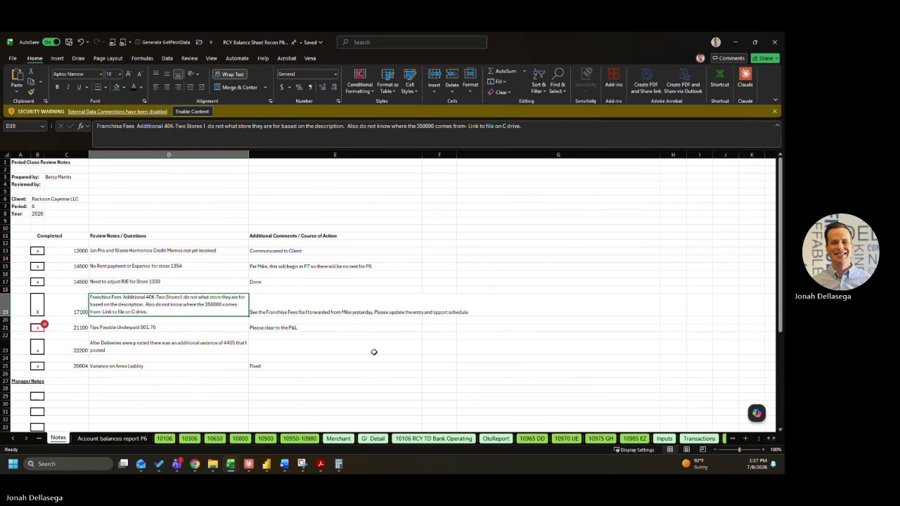
Track which balance sheet items have been reviewed versus which remain outstanding. The checklist should reflect reality — if an item was resolved that morning, mark it resolved before moving on.
- Look at the trial balance balance.
- Open the supporting schedule or workpaper.
- Review the underlying support — bank/card statements, system exports, client-provided detail.
- Confirm the schedule ties to the GL balance.
Check the trial balance for a coding error first, then check the support for a timing difference, and only then treat it as a true reconciling item requiring an adjustment.
Not only verbally in a meeting. This is what makes a recurring issue visible instead of being re-discovered each period.
Confirm entries were actually posted. Journal entry posting responsibility is transitioning from the reviewing partner to the preparer performing the close. Until the checklist consistently reflects this, search the journal directly rather than assuming — historical entries were sometimes posted personally by the reviewing partner.
Materiality
Materiality is judged account-by-account and is informal on this engagement, outside of the intercompany threshold.
| Scale | Treatment |
|---|---|
| $20–$40 variance | Treated as noise; left as timing |
| $2,000+ liability variance | Warrants investigation |
| $5,000 delivery-service variance | Warrants investigation |
| Unresolved after investigation | Allocate across stores with a note for follow-up |
| Intercompany imbalance | Client threshold: $100,000 — see Intercompany tie-out |
File and folder structure
- Top-level path: Close Period folder → concept folder (RRS / Burger King, or RCY / Dave's / "Cayenne") → Balance Sheet workbook for the period.
- The Balance Sheet workbook is organized by period and by quarter — the same workbook has both a monthly-period tab set and a quarterly tab set. Confirm which set you are in before reviewing a schedule, since some accounts are only reconciled quarterly.
- Supporting reconciliation files sit alongside the balance sheet workbook for each concept: the delivery service reconciliation file, the credit card verification file, the bank reconciliation / deposit verification files, and the inventory workbook.
Where the workpapers actually live
The engagement's SharePoint balance sheet folder — Accounting › Rackson Group › Balance Sheet › Quarterly › Reviewed › P[nn] — bakes GL account numbers directly into each file name, which makes it the fastest way to find the right workbook for a given balance sheet line.
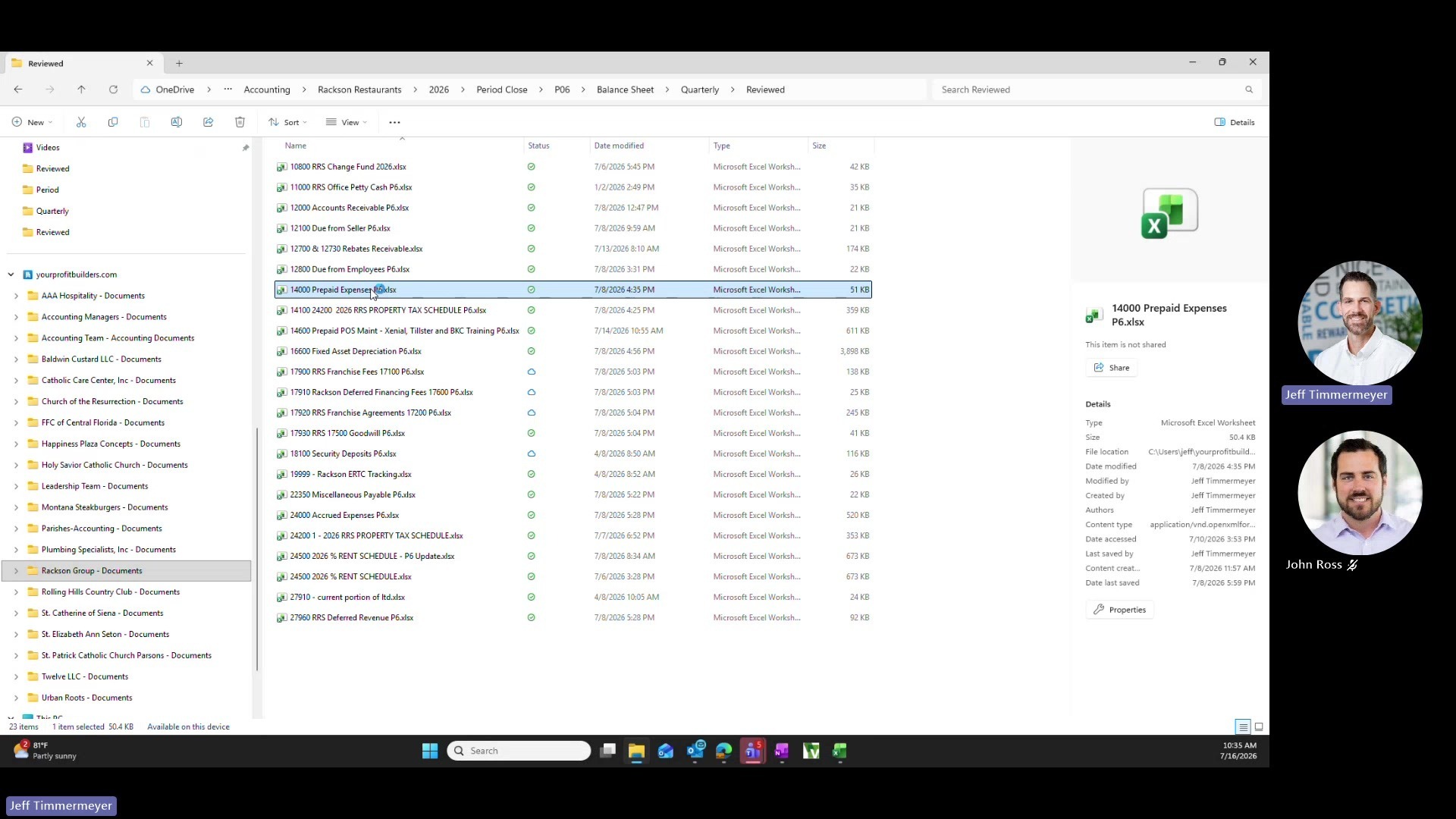
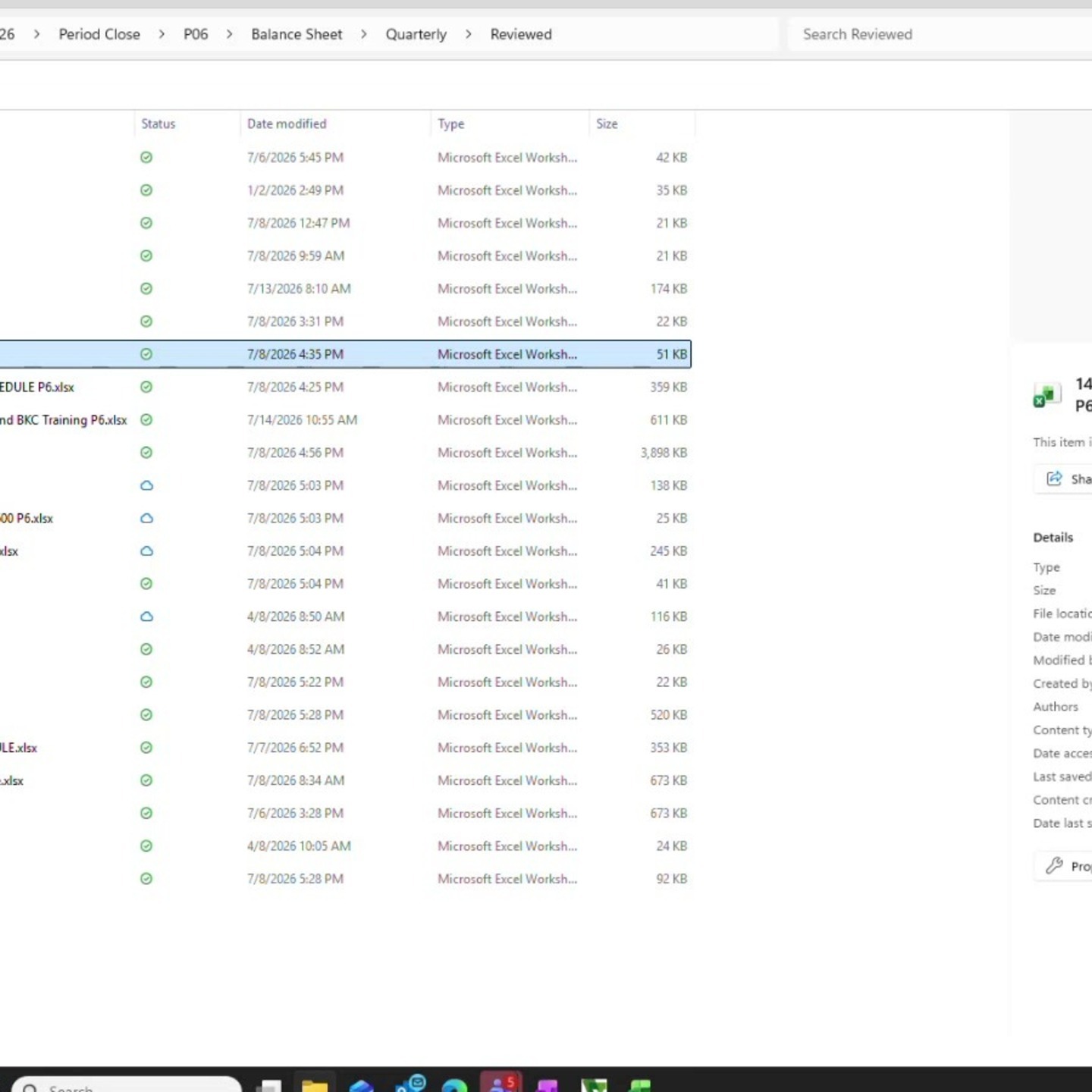
The full GL-account-to-workbook index is on Data-to-account matrix.
If the client creates a new version of a shared file mid-period, don't assume the newest file is correct. Confirm with the client which file is the source of truth going forward — this has specifically been an issue with the credit card verification workbook. Do not simply take the most recently modified file.
Naming convention. File names end in the period they were last touched (e.g. …P6.xlsx). When opening a workbook for a new period, save it forward under the new period's name rather than continuing to update a prior period's file, to keep the SharePoint version history clean.
Glossary
| Term | Meaning |
|---|---|
| R365 | Restaurant365 — the client's POS/back-office system; source of the sales entry, payments detail, and inventory exports. |
| Loop | Third-party delivery-service aggregation platform, pulling transaction and payout data across DoorDash, Uber Eats, and others. Has a native Intacct posting integration that PBI does not use directly. |
| DIT | Deposit-in-Transit — cash or delivery-service proceeds earned/deposited but not yet posted to the bank as of period end. |
| Marketplace facilitator adjustment | An adjustment for sales tax that a delivery platform collects and remits directly to the state on the operator's behalf, which must be backed out of the operator's own liability calculation. |
| Side-by-side report | An Intacct P&L format showing all locations next to each other for a single period — the primary report used to confirm the close is complete and accurate. |
| Trend / TTP report | Trailing-twelve-period income statement trend report, run consolidated or by store. Used analytically rather than as a close-completeness check. |
| B04 report | Intacct dimension balance report; run with sub-dimensions unchecked to surface P&L activity not coded to a specific store. |
| Intercompany Tie-Out Report | Confirms intercompany due-to/due-from postings between RRS and RCY net to zero, or stay under the client's materiality threshold. |
| Saxon Wall | An auto-transcription artifact of Saxonwald — a non-bank financing facility tracked separately from the Simmons Bank term loan, currently accruing interest with no payments being made. |
| PTM / PT&M | The preventive-maintenance vendor program. Appears both as a prepaid sub-schedule and as a rebate line. |
The review sequence
Work the balance sheet accounts in this order, then the P&L:
Then the entries and reclasses that must be complete before the P&L review:
Finally the P&L and the reporting infrastructure behind it:
Sign-off and file hygiene
- The balance sheet workbook shows, at a glance, which items have been reviewed and which have not for the current period and quarter.
- Deposit verification and bank rec files should be treated as continuously updated throughout the period rather than reconstructed at close. This is part of why getting the client bookkeeper's weekly cadence right matters so much to the overall close timeline.
- Complete the P&L review only after the balance sheet review is finalized — the P&L review functions as a final check on balance sheet completeness.
Related
- Troubleshooting and consolidated watch-outs — the "why doesn't this tie" quick reference
- Onboarding a new reviewer — the first-90-days path
- Close calendar · Key people